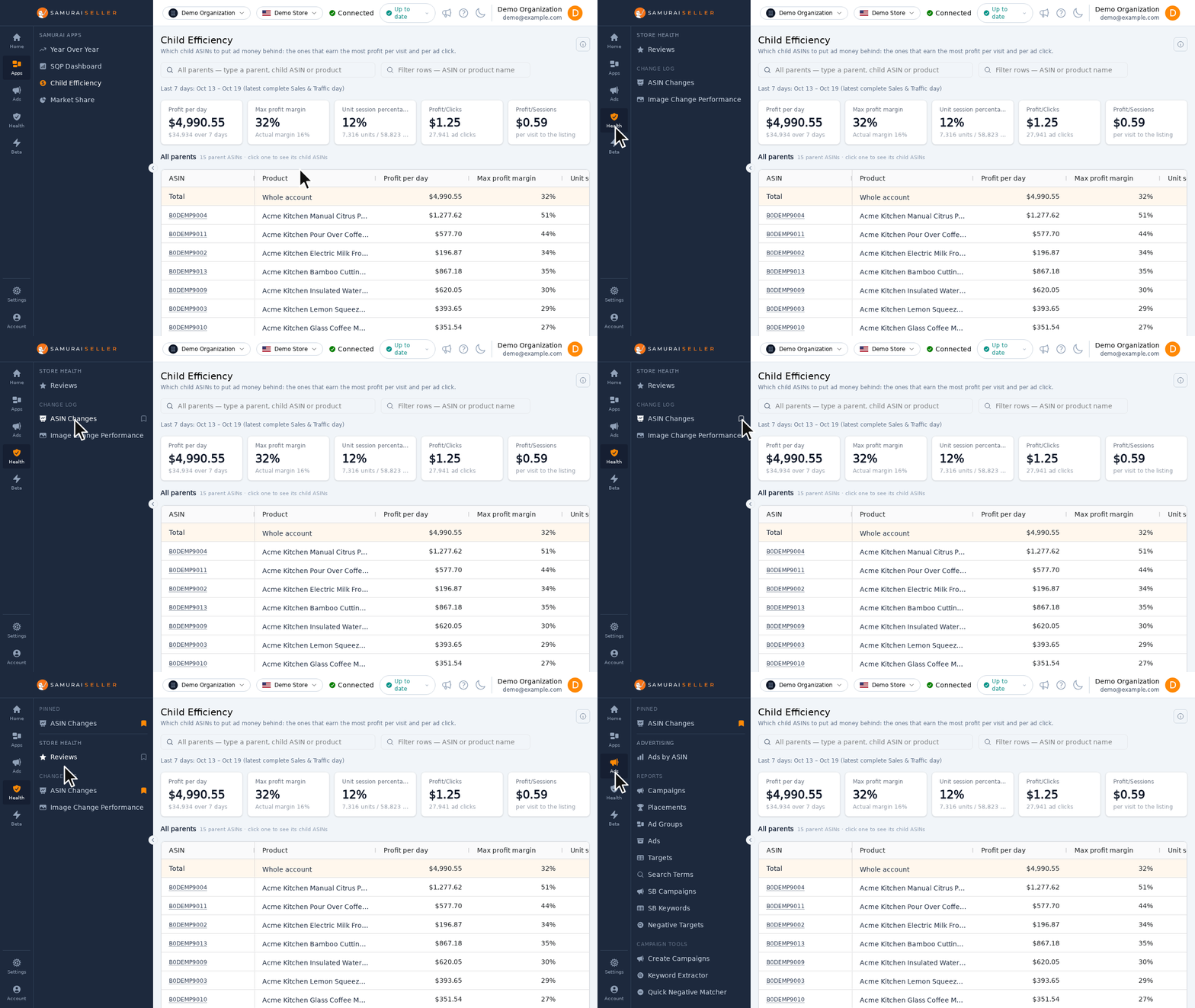
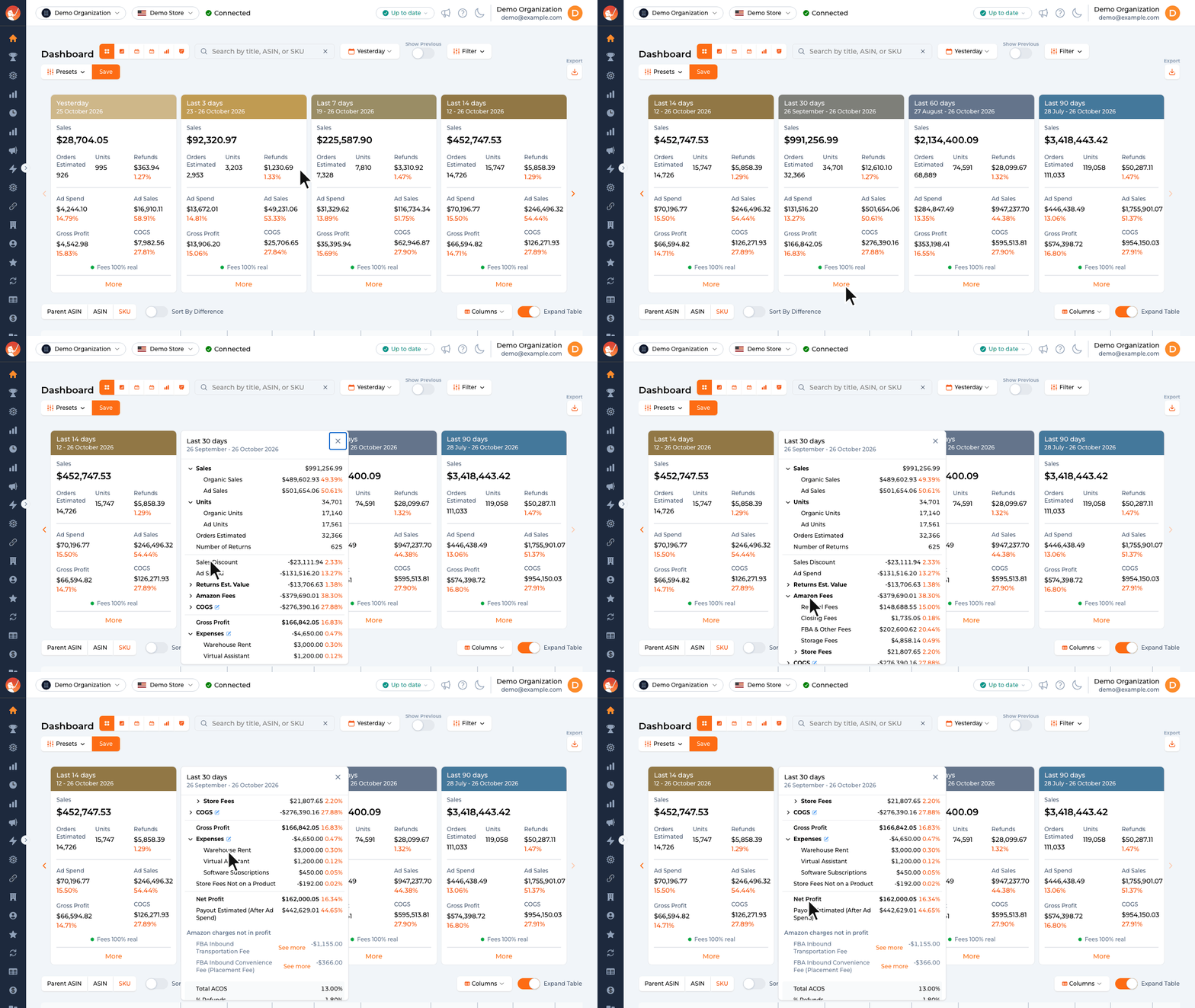
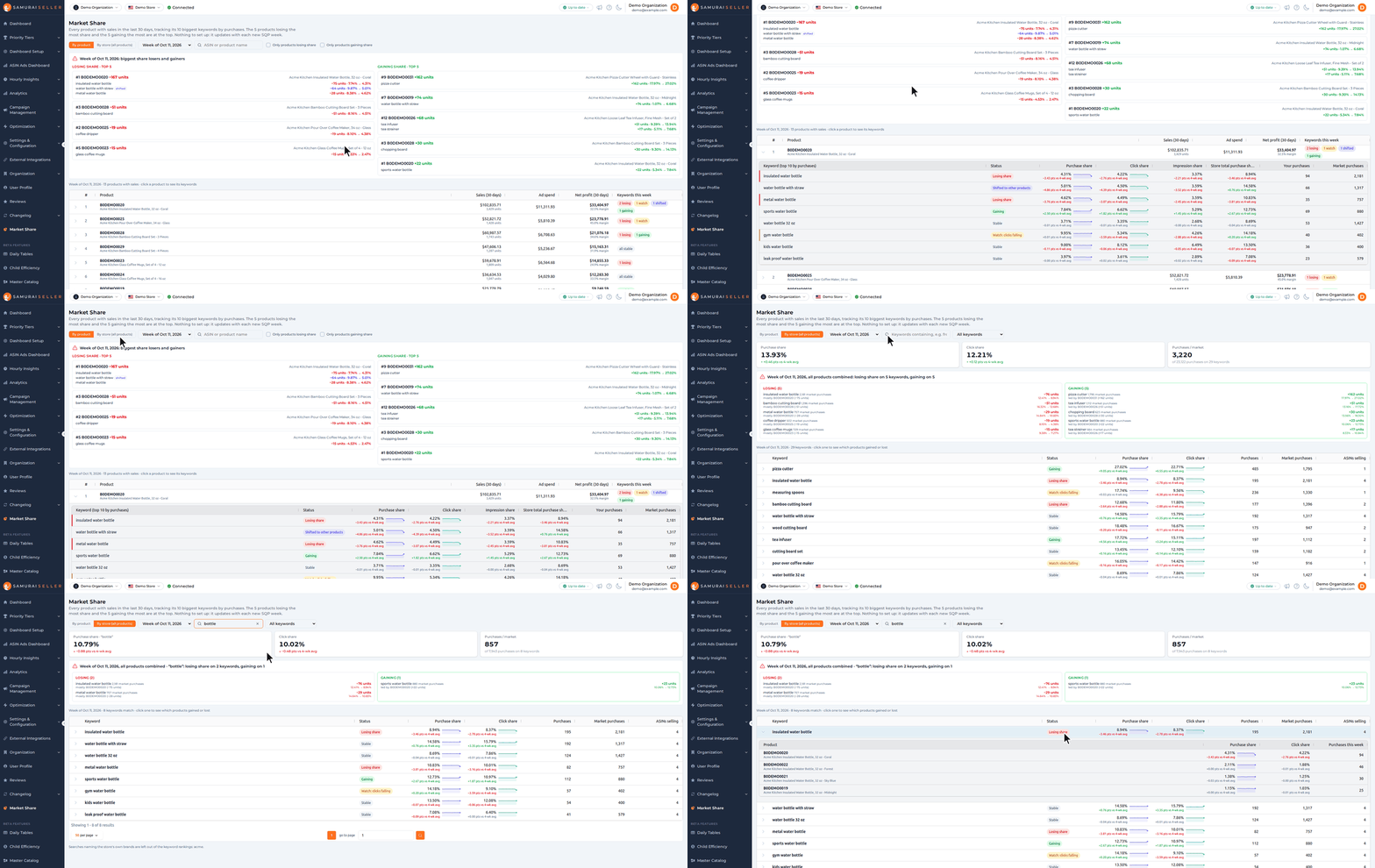
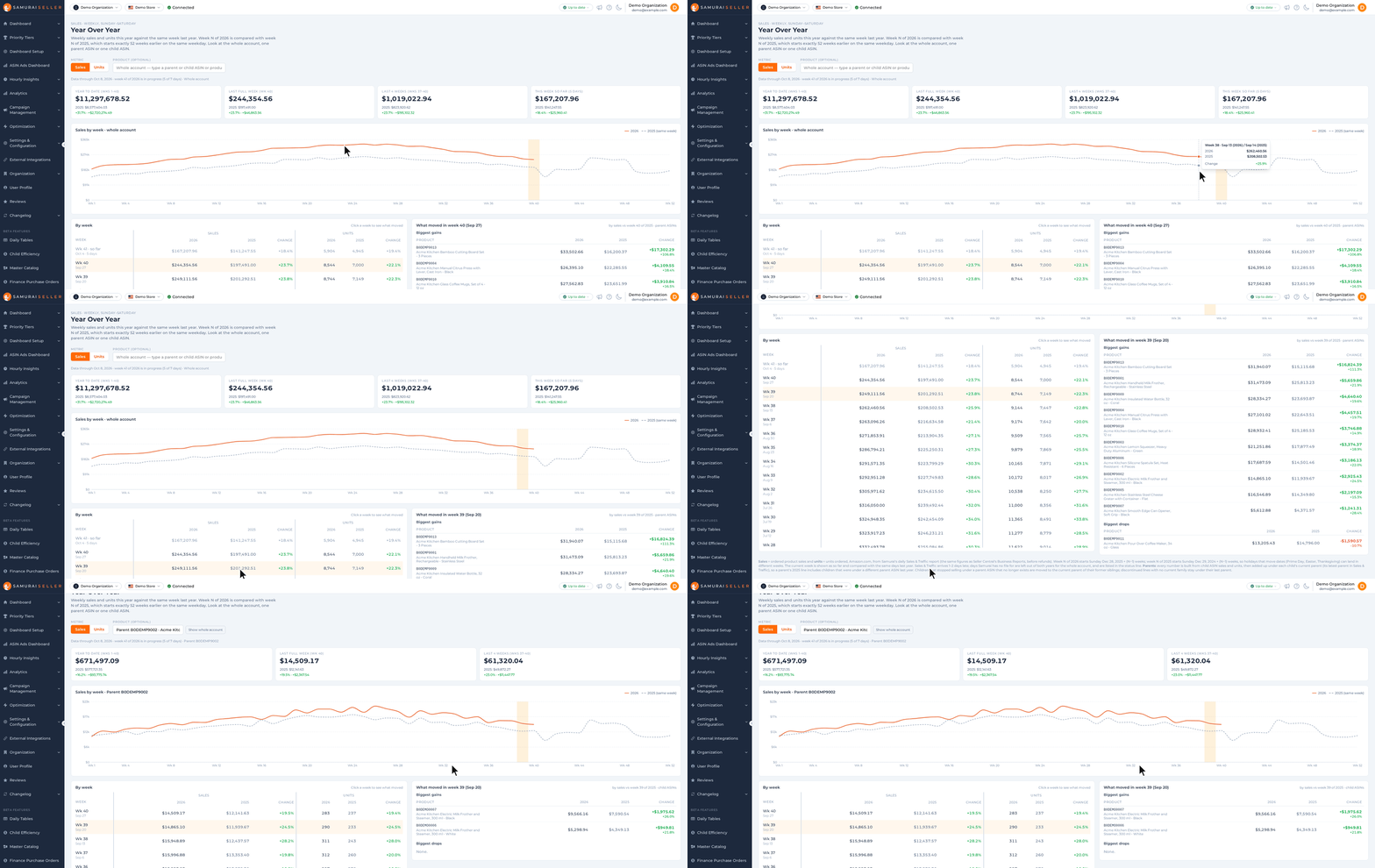
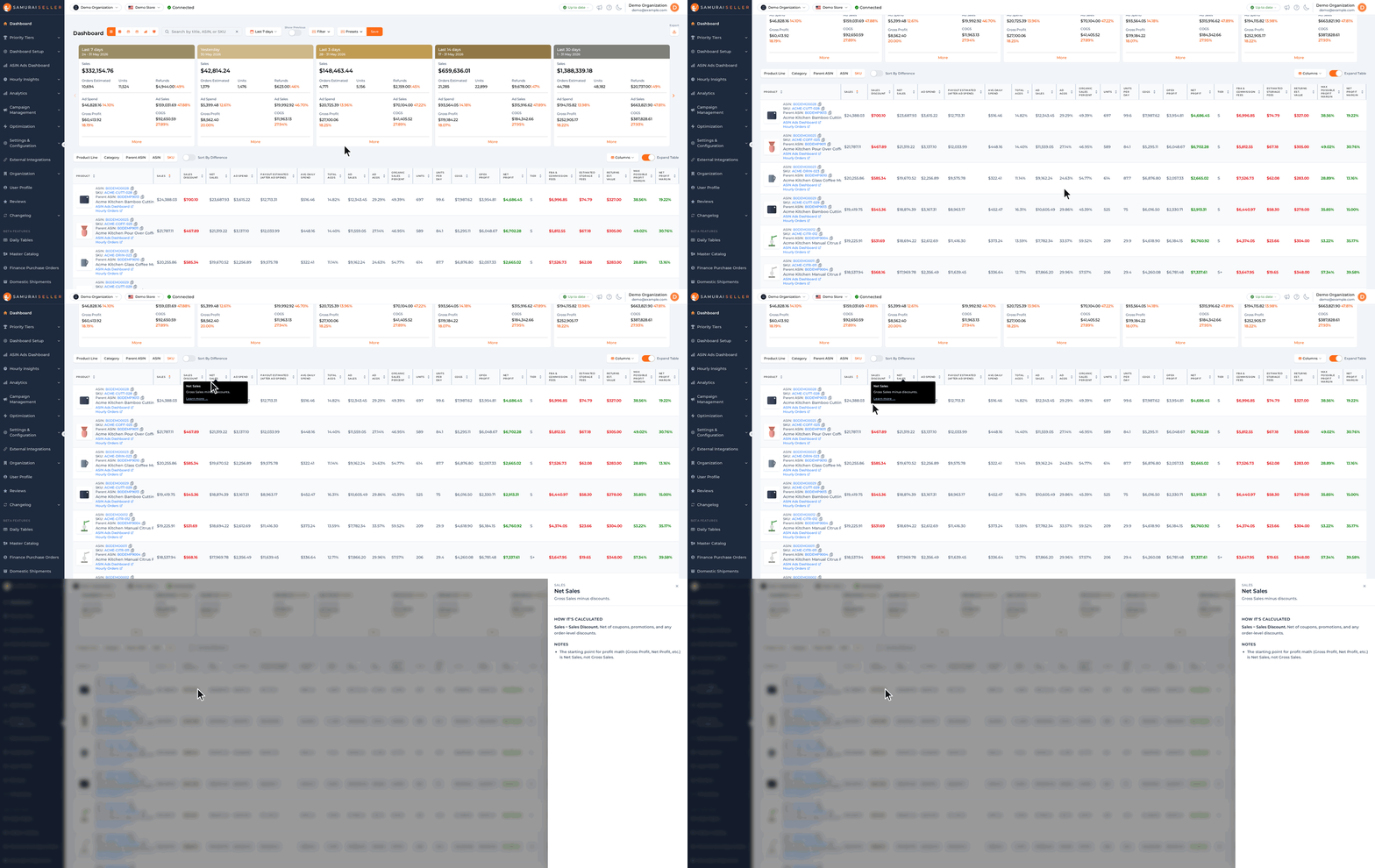
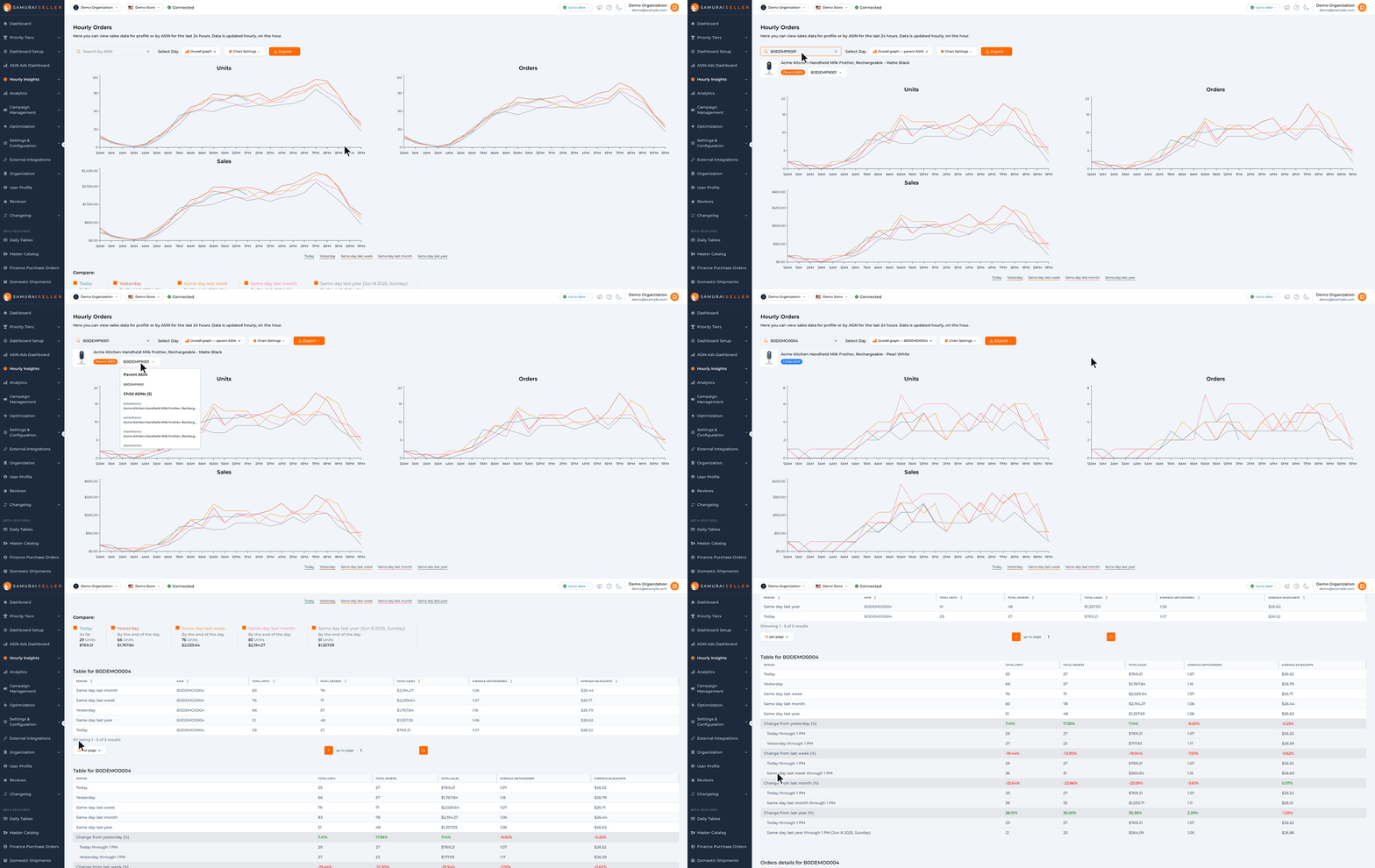
See a day's sales hour by hour against last week
TL;DR: A new Hourly Sales page compares a day's sales, units and orders hour by hour with the same weekday a week earlier or with the day before, both cut at the same hour, so a day still running is compared like for like.
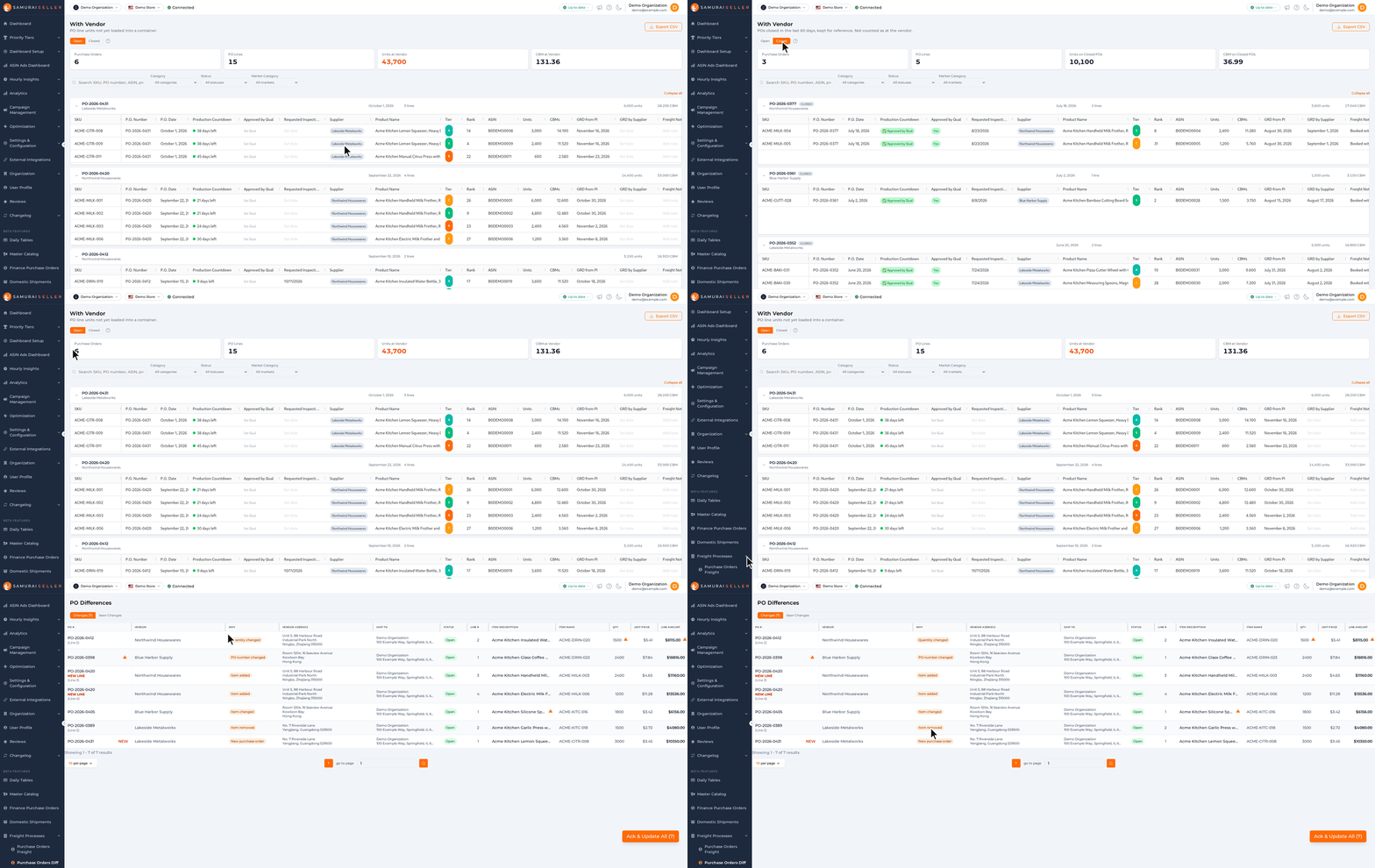
Samurai Apps > Hourly Sales is in limited preview: only pilot stores see it. It reads the orders report Samurai already pulls every hour, so there is nothing to set up.
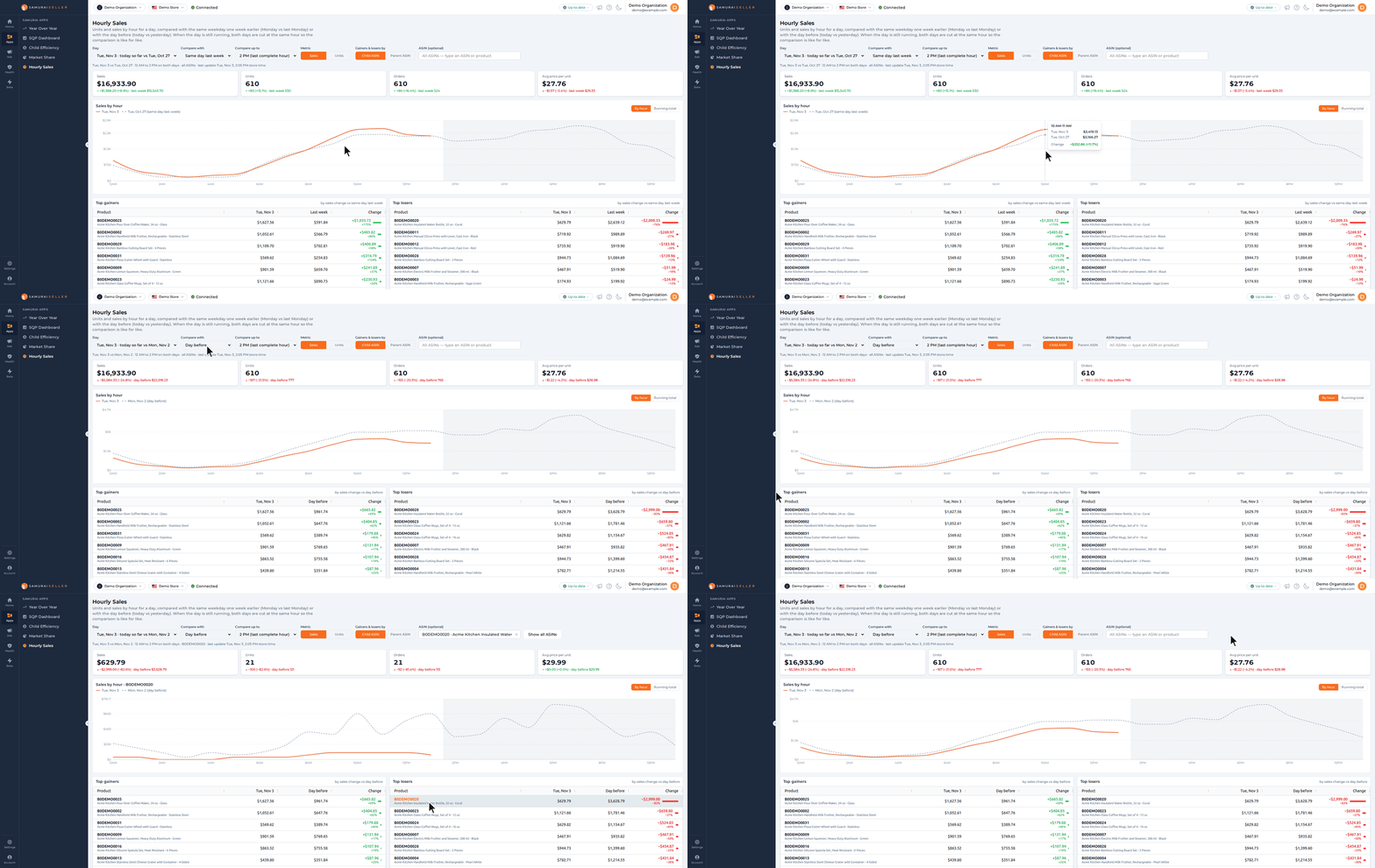
- KPI cards: Sales, Units, Orders and Avg price per unit for the day, each with the change against the compare day, for example “+$1,388.20 (+8.9%) · last week $15,545.70”.
- Compare with picks the same weekday a week earlier or the day before, and Compare up to the hour both days count to: today’s last complete hour while the day runs, or Full day for a day that is over.
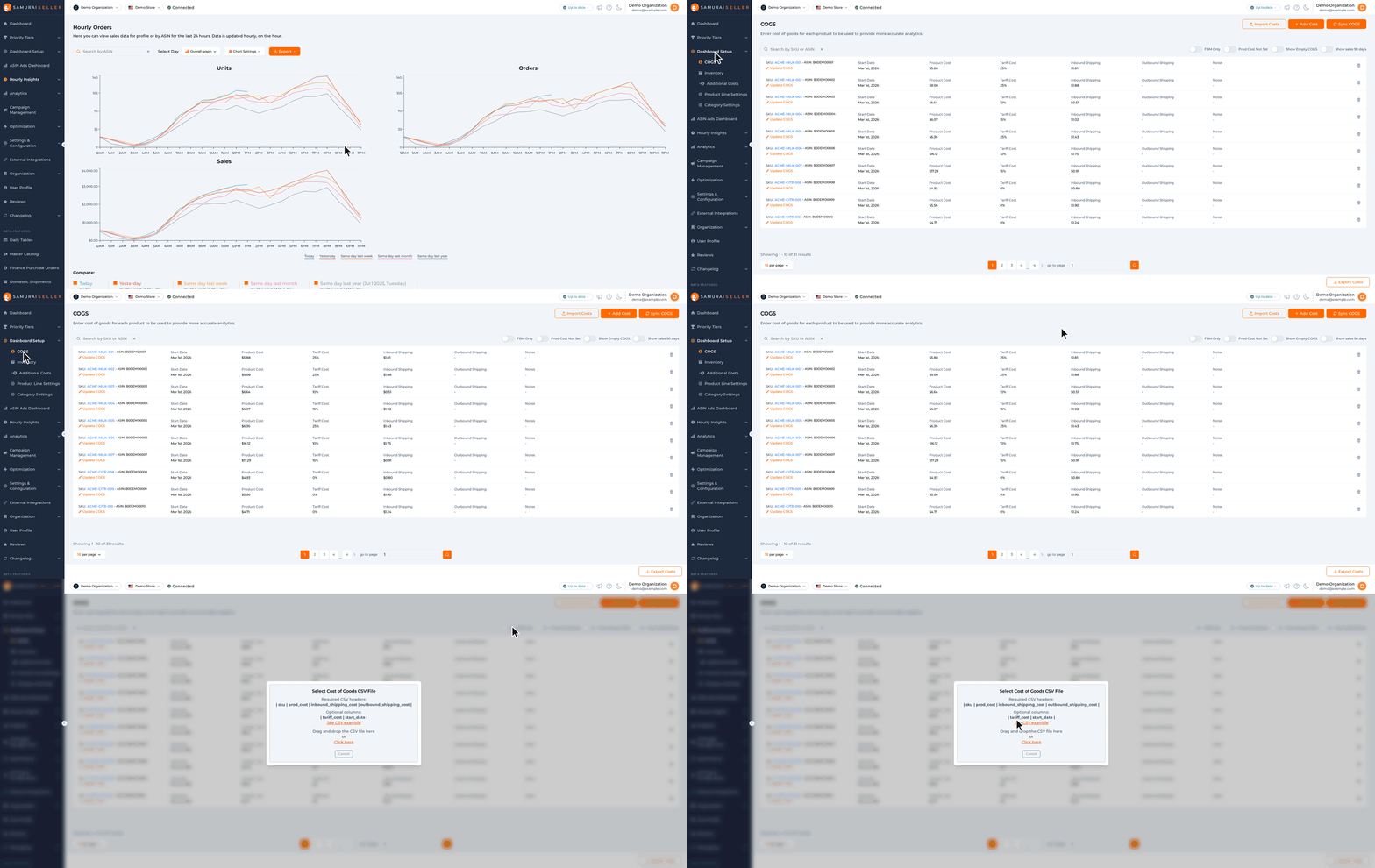
- Hourly chart: the day in orange and the compare day dashed, By hour or Running total, with the hours past the cut shaded. Hover an hour to see both days and the change. Metric switches the chart, the lists and their ranking between Sales and Units.
- Top gainers and Top losers: the 15 products that went up and the 15 that went down the most. Gainers & losers by lists them by child ASIN, or by parent ASIN with its children added up.
- Every product: all products that sold on either day, sorted by any column. Filter all ASINs finds one by ASIN or product name.
- One product: click a product in any list, or pick it in ASIN (optional), to show only that product in the cards and the chart. Show all ASINs goes back to the whole store.
How to try it:
- Open Samurai Apps > Hourly Sales.
- Read today’s cards against the same day last week, then switch Compare with to Day before.
- Click the first product in Top losers to see its hours in the chart.
How the two days are compared
Both days count the same hours, in the store’s time zone, so a day still running is never set against a whole one.
- Today counts complete hours. The page updates once an hour, and the line under the controls says when it last did. After an update at 2:05 PM, today counts 12 AM to 2 PM, and so does the compare day.
- Change is the day minus the compare day. The percent is against the compare day, and a product the compare day did not sell shows new.
- Top gainers and Top losers rank by the change itself, in money for Sales and in units for Units, not by the percent.
- Day lists only days whose compare day the page also holds. The page keeps the last few weeks, so the oldest days show up under Day before only.
What counts
The page counts every order item by its purchase time. Cancelled orders are left out and pending orders count. Sales is the item price as ordered, before fees, promotions and refunds. ASIN (optional) suggests the day’s 30 best sellers by units before you type. A product you pick stays picked when you change the day, and shows zero on a day it did not sell.